

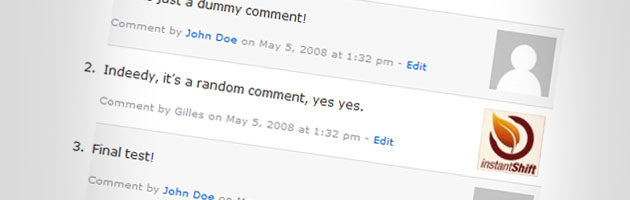
Source: Instant Shift
I wanted to send a note out to all of you great readers and share with you some tips on how to best use the “comments” feature on websites and blogs.
Here are a few tips I thought you might find helpful…
1. Please leave comments often if it is a post you like or have something to say. It is a great encouragement for me to hear your comments and experiences while you are out there!
2. Feel free to answer other readers comments. In fact, I need all the help I can get! I do my best to reply to most comments, but if you know the answer, please chime in. I love to see others answers.
3. ” Subscribe to comments” if you leave a comment or question. This way you will be notified when items are left on that particular post. Or, just subscribe if you want to be notified of updates (i.e. – Grocery Deal Updates)
** How to Subscribe to Comments:
Click on the post title (in bold). On that page under the post there is a gray box like the one below. You can subscribe to the feed, or you can leave a comment and check the box here like this:
June 26th, 2009 | Category: Freebies | Subscribe to comments | Leave a comment | Trackback URL | Edit
Lastly, I just want to say how much I appreciate all my readers, and the comments you leave. I may not be able to respond to every one, but I do try. I am greatly encouraged by all your comments, even if it is a quick “hello.”
So, leave your comments and let your voice be heard!!


Will do.
Thanks for letting me know about the Oneida Calm Flatware Set. I have ordered it! I am an avid reader of your website and love it! Keep up the good work! You have helped me save, save, save on groceries and other items!